West Point Bank

Insights

Looking for a smarter way to manage your money?

Insights is here to help.

We know that one of the hardest things about personal financial management (PFM) is simply organizing all of the details of your financial life.

And that’s why Insights is built to make it much easier to understand your spending and gain insights about how your money comes and goes each month.

Insights from West Point Bank can help you stay on top of your bills, your cash flow and your entire financial picture, so you can set clear goals and achieve them.

Smarter Spending

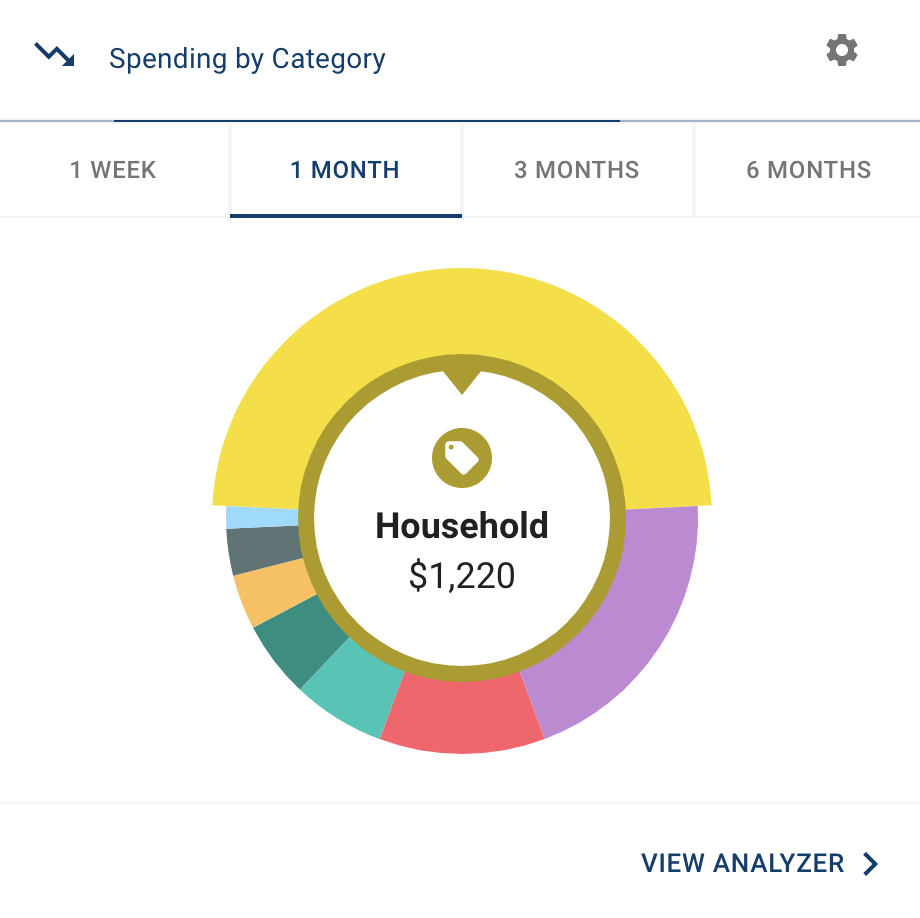
On the home page of Insights you’ll see a spending wheel that shows you at a glance how much you’re spending on bills, entertainment/dining, retail, groceries and more. This gives you a head start on breaking your spending into more specific categories.

  1. Click different parts of the wheel to see your spending breakdown. Transactions are sorted automatically into these categories with ‘tags.’
  2. To personalize your categories, or split the transaction between tags, click on a transaction and edit the tag.
  3. When you select a transaction from the dashboard you can also change the name of the transaction, create a budget or add a recurring transaction to your Cashflow Calendar.

Better Budgeting

Build and view spending targets that are important to your financial big picture. The new insights feature includes spending history, along with suggestions for staying on track. This gives you valuable intel based on your spending habits, and can help you build a more accurate budget.

  1. Navigate to the Budgets Progress tile and click on “View Budget.”
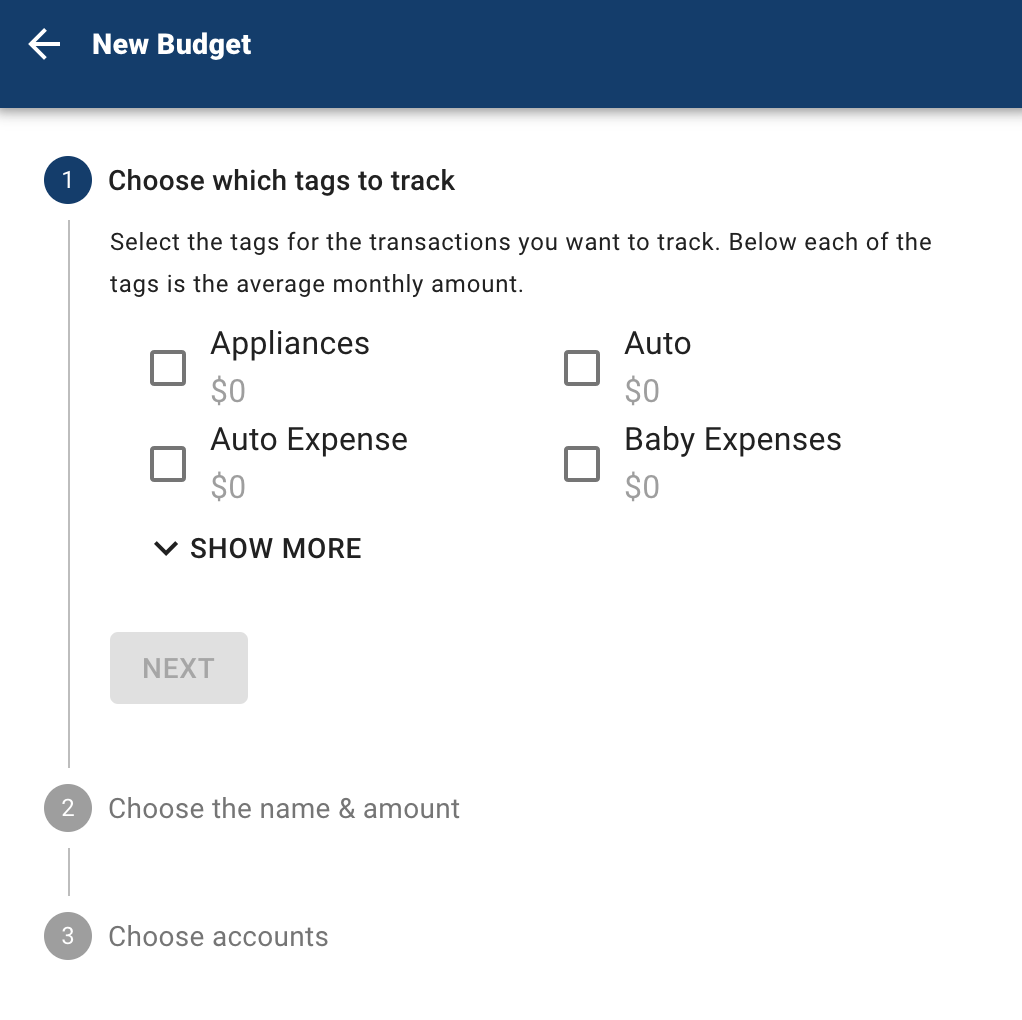
  2. Click “Add Budget.”
  3. Personalize your spending target by adding the monthly amount and item name (for example, Baby Expenses). You can choose the name, amount, tags, and accounts associated with this spending target.

Track Your Cash Flow

See down to the penny how much you have coming in – and going out – each month. Simply log your income and bills into the cash flow calendar. Here’s how:

  1. Navigate to the “Cashflow” section.
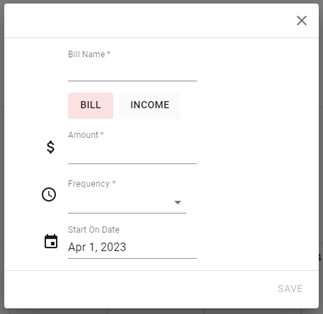
  2. Click the plus (+) sign to add your income or bills.
  3. Put in your monthly income and expense amounts to calculate your monthly cash flow.

Create Savings Goals

You can set up goals to help you plan ahead – like saving for a vacation or paying off credit card debt. Once that’s done, your Goal Summary will show you the completion date and the amount you need to save each month.

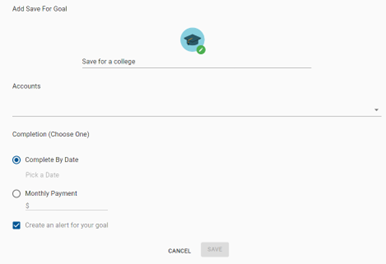
  1. Navigate to the “Goals” section and select “Add Goal.”
  2. Select your desired pay off or savings goal.
  3. Fill out the name of the goal, which accounts you’ll use and your target date.
  4. Click “Save.” Your goals will automatically update based on your progress and day-to-day account balance.

Add Another Account

You can sync accounts from other financial institutions to get a full picture of your finances.

  1. Navigate to the “Accounts” section.
  2. Click the plus (+) sign to “Add Linked Account.”
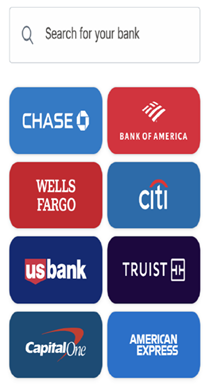
  3. Select an institution or use the search to find your institution. Follow the prompts to add your institution.